
Introduction: The Meeting That Went “Paperless” (Except It Didn’t)
You walk into a boardroom where the screens are bright and the PDFs look perfect. Your team just rolled out a paperless conference system last week. Yet someone still shuffles printouts, someone else hunts for the right link, and the chair asks if the audio is “working now.” The stats are not cute: in many rollouts, over half of attendees still switch apps five or more times per session, and agendas drift by 10–15 minutes due to simple navigation hiccups (because of course they do). So, is the tech broken—or is our behavior the real glitch?
Here’s the twist: most failures hide in the space between tools and people. Latency piles up. Logins reset. The display swaps to the wrong source at the worst time. We pretend it’s fine. It isn’t. When access friction rises, attention drops, and decisions slow. That hurts the whole room. Let’s move past the brochure talk and look at what actually blocks a clean, paperless flow—then what fixes it next.
Hidden Friction: Why “Smart” Still Stumbles When People Do
Where do simple fixes break?
A modern smart multimedia meeting system promises fewer clicks, crisp audio, and one-tap sharing. The gear often delivers. But the choke points live elsewhere: inconsistent Wi‑Fi, mixed device policies, and human habits. When the sign-in takes 30 seconds, speakers fill the gap with small talk. When files sit in three clouds, someone screenshares the wrong deck. Look, it’s simpler than you think: reduce micro-delays, and engagement jumps. Even strong stacks—beamforming microphones, a clean DSP pipeline, and sensible QoS rules—can’t save a meeting if the user flow zigzags.
Consider security prompts that trigger mid-session. AES‑128 encryption is great; re-auth prompts every 12 minutes are not. Or think about content routing. Edge computing nodes cut round‑trip lag, but only if the system pushes assets near the room ahead of time. Otherwise, the “live” graph chokes on a shared network. The pain point isn’t hardware alone. It’s cognitive load. Fewer steps. Clear roles. Predictable handoffs. When those align, “smart” starts to feel invisible, which is the whole point.
Forward Look: Principles That Make Paperless Feel Effortless
What’s Next
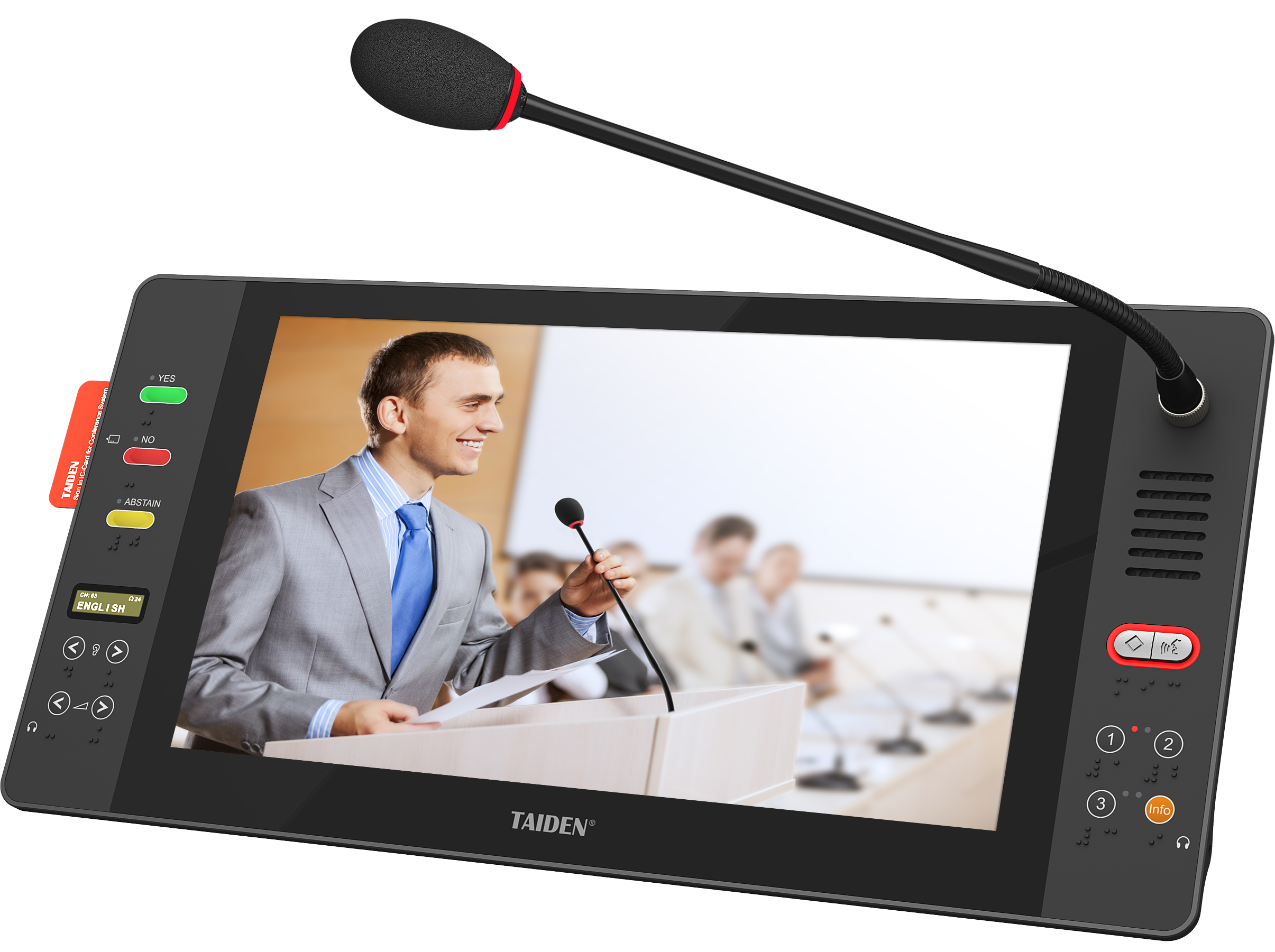
The next gains come from design rules, not just new boxes. First, prefetch and pin. Meeting assets should stage on local nodes before the chair hits “Start.” That slashes wait time and guards against Wi‑Fi mood swings. Second, make audio untouchable. Auto-calibrate beamforming and set a hard floor for gain so the chair never asks, “Can you hear me now?” Third, treat the room like a mesh. A resilient backbone with low‑latency codecs and traffic shaping keeps slides, captions, and voting in sync. In practice, a capable wireless conference system pairs adaptive RF hopping with packet FEC, so a cough in the spectrum doesn’t become a cough in the audio. Small detail, big trust.
Power also matters more than it gets credit for—funny how that works, right? Stable PoE beats a mess of wall warts and mismatched power converters when you want predictable uptime and neat installs. Smart recovery helps too: if a node drops, the session should re-route without a human hunting for a cable. So how do you choose what fits? Use three checks that cut through hype: 1) Time-to-first-content under 10 seconds from session start, measured at the seat. 2) End-to-end audio round-trip under 30 ms with variance under 5 ms, verified with logs. 3) Admin load under 5 minutes per meeting to stage content, set roles, and lock policy. If a platform meets those, the rest is culture and training. And that’s a solvable problem—on any day that isn’t already overbooked. For more on systems that follow these principles without the fanfare, see TAIDEN.