
For drivers and managers who wake at midnight
The cab is cold. Somebody outside thinks a camera will see everything; you know it takes more than sight to keep a crew safe. Fleet managers and drivers need clear rules that protect people and property — practical measures, not prayers. I’ve worked alongside fleet telematics technology providers, and I’ve watched systems at the Port of Los Angeles prove what works and what breaks under real load. A well-tuned fleet camera system must balance evidence capture, access control, and human dignity. This piece speaks to those who operate vans and those who govern them, offering direct actions you can start tonight.
What keeps drivers and fleet teams awake
– Unauthorized access to footage that exposes routes, schedules, or private moments. – Weak device identities: cameras or gateways that accept anyone’s credentials. – Over-retention of video that multiplies liability and privacy risk. – Lack of audit trails so you can’t prove who viewed what and when. – Firmware gaps and physical tampering that turn a guardian into a spy. These are practical problems. They’re solvable with specific controls, not vague policies.
Controls that matter — plain and enforceable
– Device identity and authentication: use hardware-backed keys per device. If a camera can’t prove its identity, treat it as hostile. – Network segmentation: keep camera traffic off the driver’s personal Wi‑Fi and isolated from telematics command channels. – End-to-end encryption: encrypt streams and stored segments; manage keys in a secure vault or TPM-like hardware. – Role-based access: separate “view evidence” from “edit metadata.” Grant the smallest set of privileges needed. – Immutable audit logs: record every access event with timestamp, viewer identity, and reason. Keep those logs tamper-evident. – Signed firmware and secure boot: only run code you can verify. Reject unsigned updates at the edge. These items reduce the attack surface immediately and give you defensible control over footage and access.
Designing for privacy without losing safety
– Camera placement: aim for incident-relevant fields of view. Avoid unnecessarily wide interior sweeps that capture resting drivers. – Region masking and face blurring: apply selective obfuscation for private areas and bystanders unless a legal exception exists. – Retention zoning: tag footage by incident severity. Keep critical incident clips longer, delete routine routes quickly. – Consent and notices: post clear on-vehicle notices and train staff on when recording is active. Don’t rely on fine print. – Access justification: require a documented reason before granting playback; tie every playback to an incident ticket. These measures preserve trust. Drivers will accept cameras that protect them first and only record beyond that when there’s a good reason.
Common mistakes fleets make and how to stop them
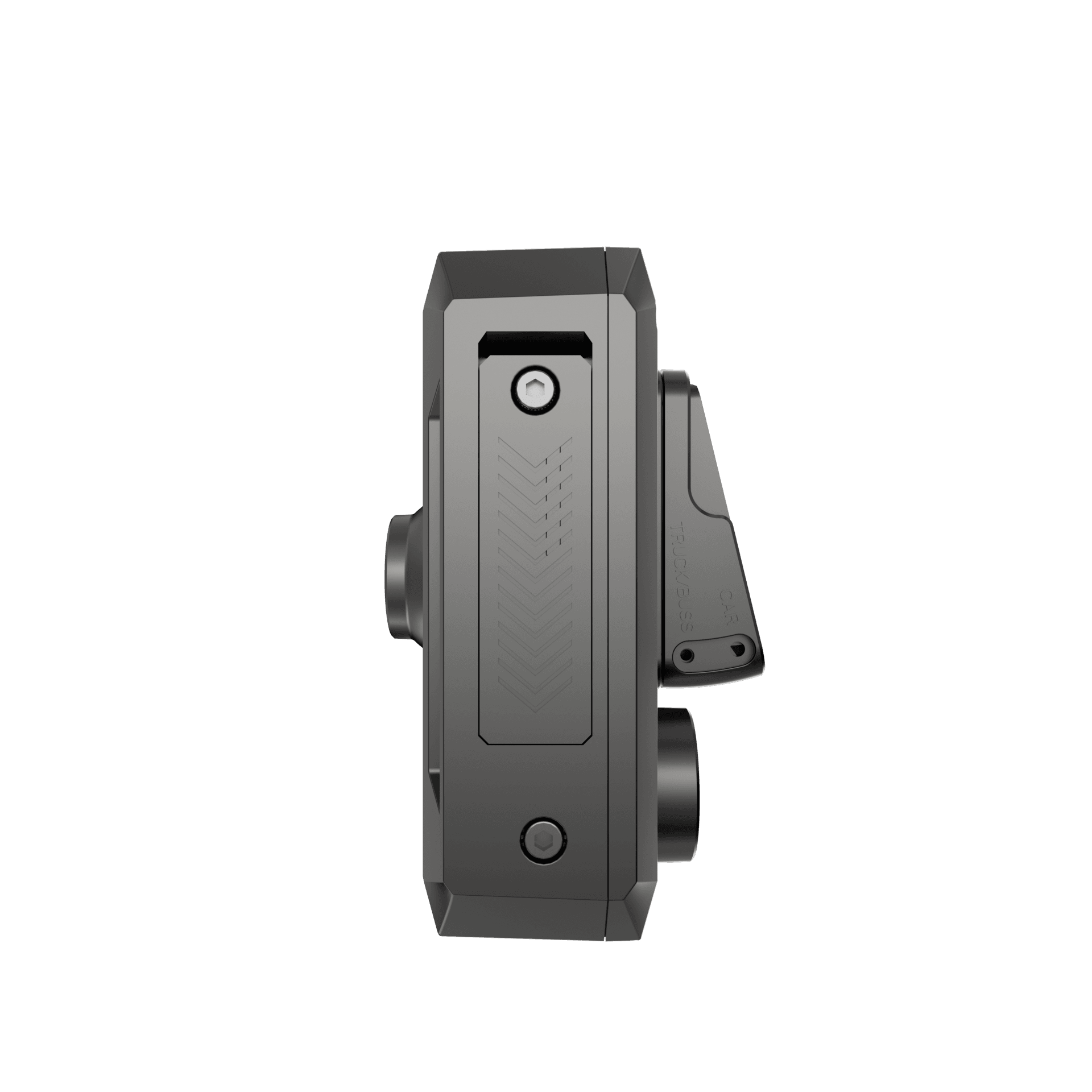
– Mistake: Single shared accounts for camera access. Fix: enforce individual accounts with MFA and per-role permissions. – Mistake: Storing all footage indefinitely because “we might need it.” Fix: automate retention and purge by policy. – Mistake: Treating the camera as a black box. Fix: demand secure logs, signed firmware, and transparency about data flows. – Mistake: Ignoring physical tamper. Fix: seal mounts, audit mount integrity, and detect lens occlusion events. Avoid these errors; they’re cheap to fix early and expensive after a breach.
Deployment checklist for the operator who needs to sleep
– Inventory every device with unique hardware ID. – Enforce device authentication and reject unknown devices. – Apply network segmentation and TLS for all streams. – Configure role-based access and require justifications for playback. – Set retention policies by tag and automate secure deletion. – Enable tamper and firmware integrity checks; log everything to an immutable store. Follow this list step by step. Checkboxes done today reduce crises tomorrow.
A last reckoning
If night brings worry, steady the system: give drivers clarity, give managers controls that show intent, give auditors proof. Technical safeguards — hardware-backed identity, immutable logs, selective retention, clear access roles — are not rituals; they’re the locks and keys that let a van fleet operate without sacrificing the people inside. Practical experience, clear rules, and a deliberate deployment quiet the worst fears. For teams looking to blend reliable cameras, disciplined access, and respectful privacy into a single solution, BSJ sits where those priorities meet, offering tools and practices that keep the cab secure and the crew respected.